 Transfer
Credit / Debit Card
Fee
Variable Fees
Processing Time
Usually within 1 minute, up to 48 hours
Minimum Purchase Amount
Starting from approx. 10–15 USD
Supported Regions
Subject to region, fiat currency, issuing bank, and payment channel support


Learn how to buy AST SpaceMobile Tokenized Stock (Reality) (RASTS) on LBank, including payment methods such as credit cards, debit cards, Apple Pay, and bank transfers, as well as the purchase process, preparations, and FAQs.

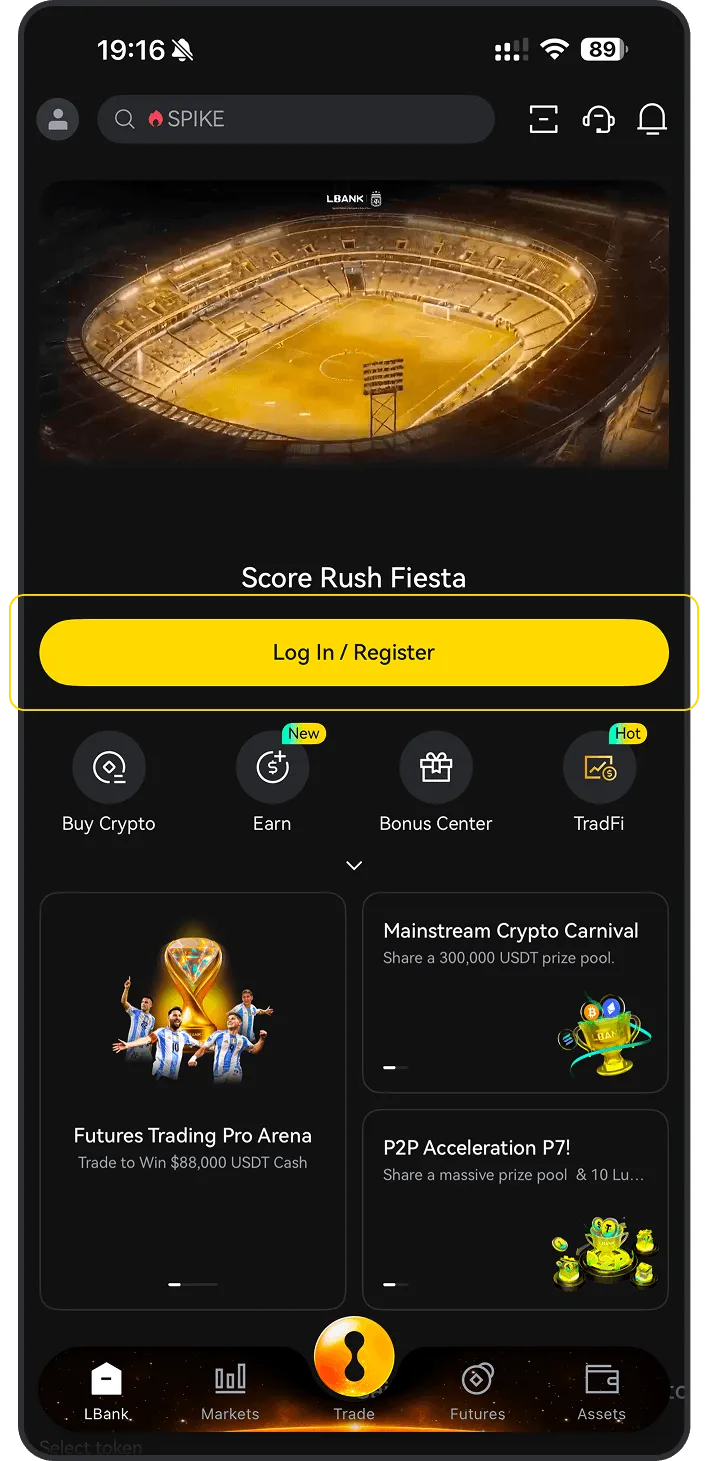
Explore the available payment methods for buying RASTS on LBank, including credit card, debit card, bank transfer, Apple Pay, Google Pay, PayPal, and P2P, to quickly choose the most suitable way to buy RASTS.
Check the preparations required before buying AST SpaceMobile Tokenized Stock (Reality) (RASTS) on LBank, including account registration, identity verification (KYC), payment methods, regional availability, and pre-purchase precautions to help you smoothly complete the BTC purchase process.
Before you begin, decide how you’d like to pay:
If you're new to crypto, using fiat currency (such as USD, EUR, etc.) is the easiest way to buy AST SpaceMobile Tokenized Stock (Reality). LBank supports various payment methods, including debit cards, credit cards, bank transfers, and other local payment options where available. You may need to fund your LBank account before making a purchase.
If you already hold other cryptocurrencies, you can trade them for AST SpaceMobile Tokenized Stock (Reality) on LBank. Please make sure that LBank supports the trading pair you need (e.g., Bitcoin (BTC)). LBank offers a wide range of trading pairs, allowing you to conveniently convert your existing crypto into AST SpaceMobile Tokenized Stock (Reality).
You can use the following payment methods to purchase AST SpaceMobile Tokenized Stock (Reality) on LBank:


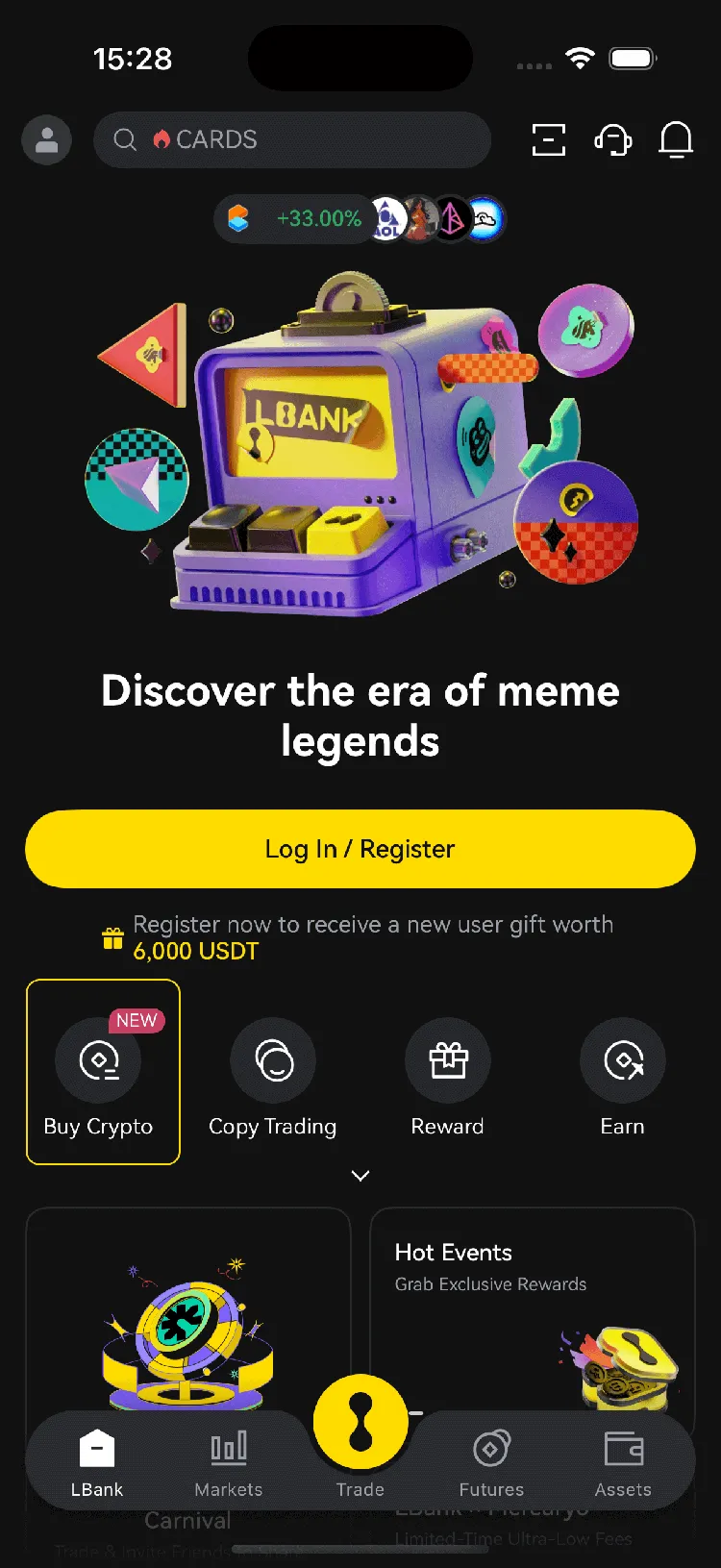
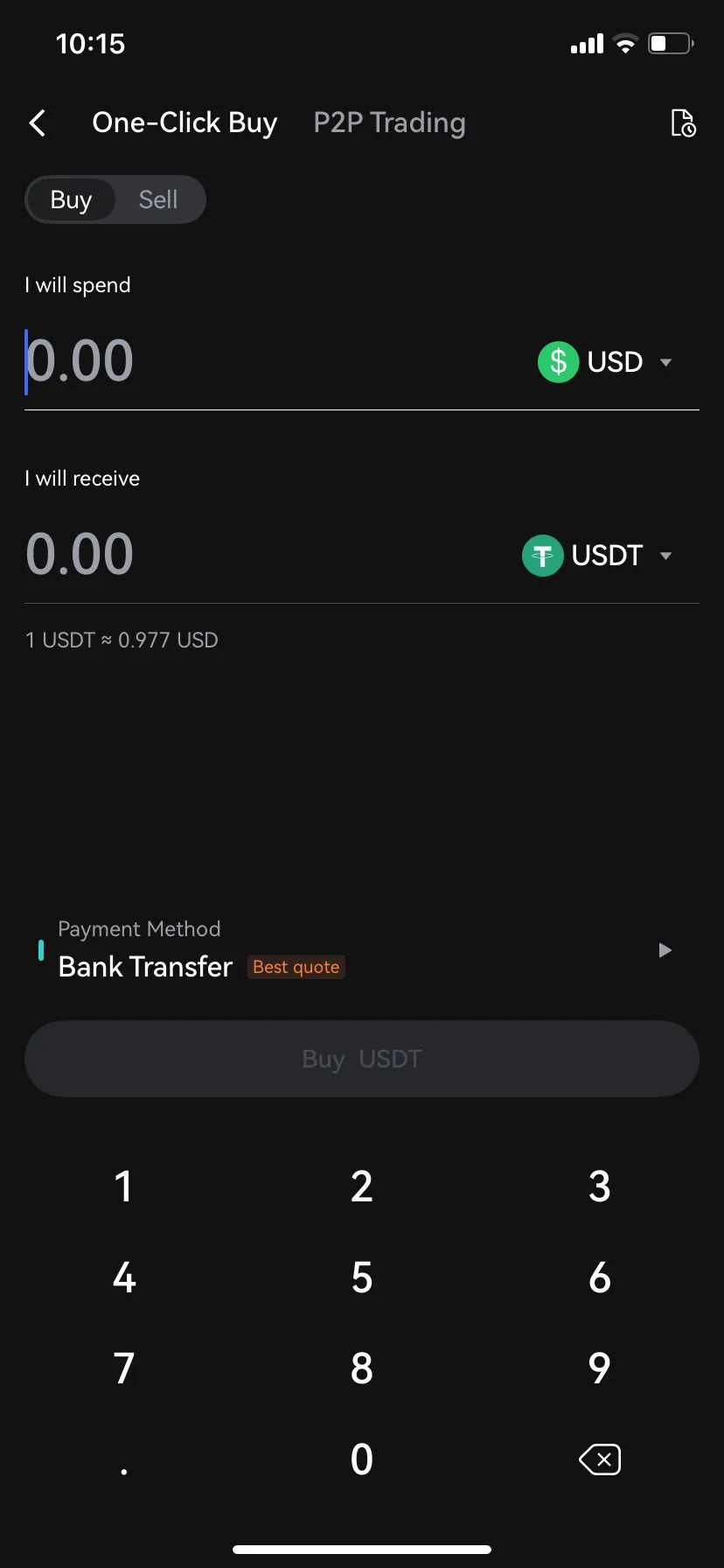
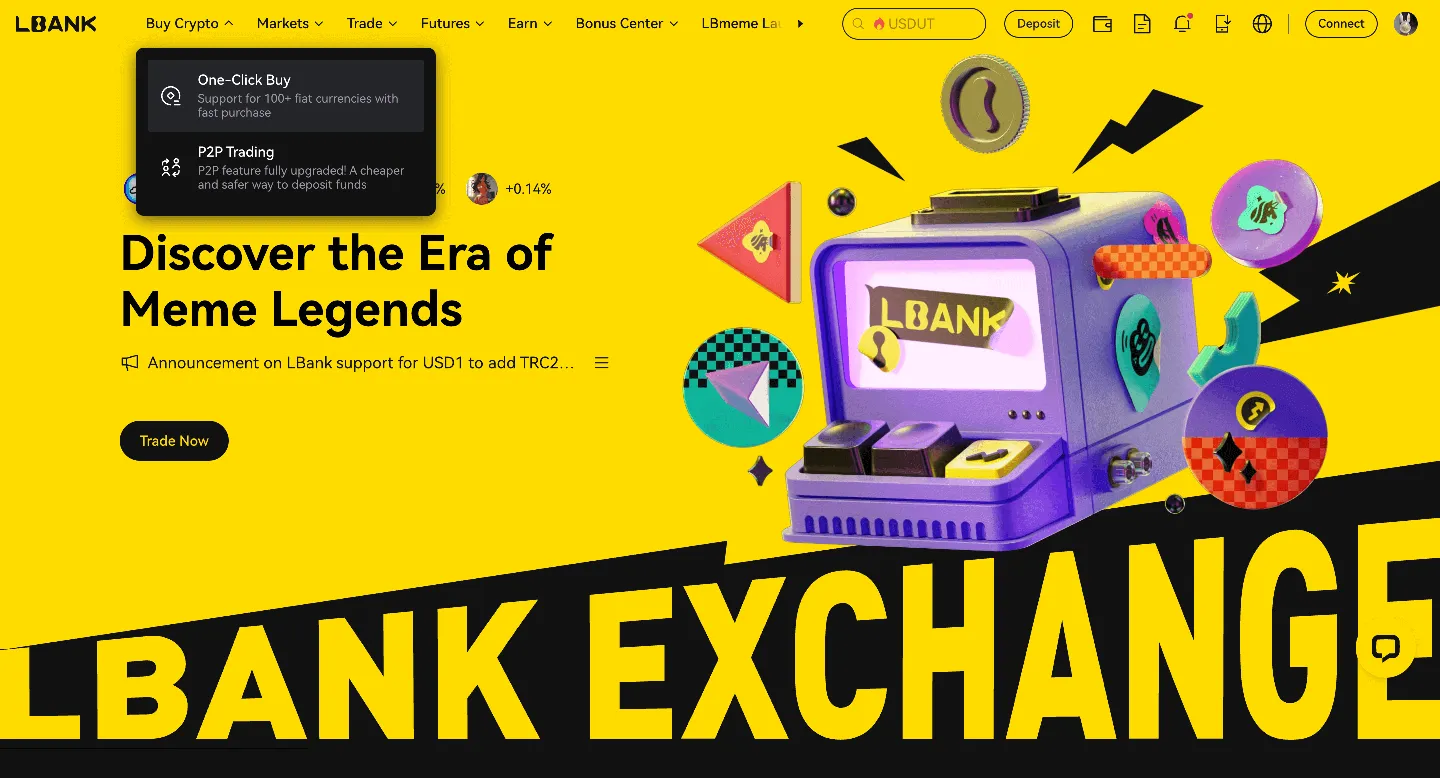
(a). Choose the fiat currency you want to use
(b). Select the AST SpaceMobile Tokenized Stock (Reality) you want to purchase
(c). Enter an amount or use quick-select options (e.g., 100, 200, 500, max)
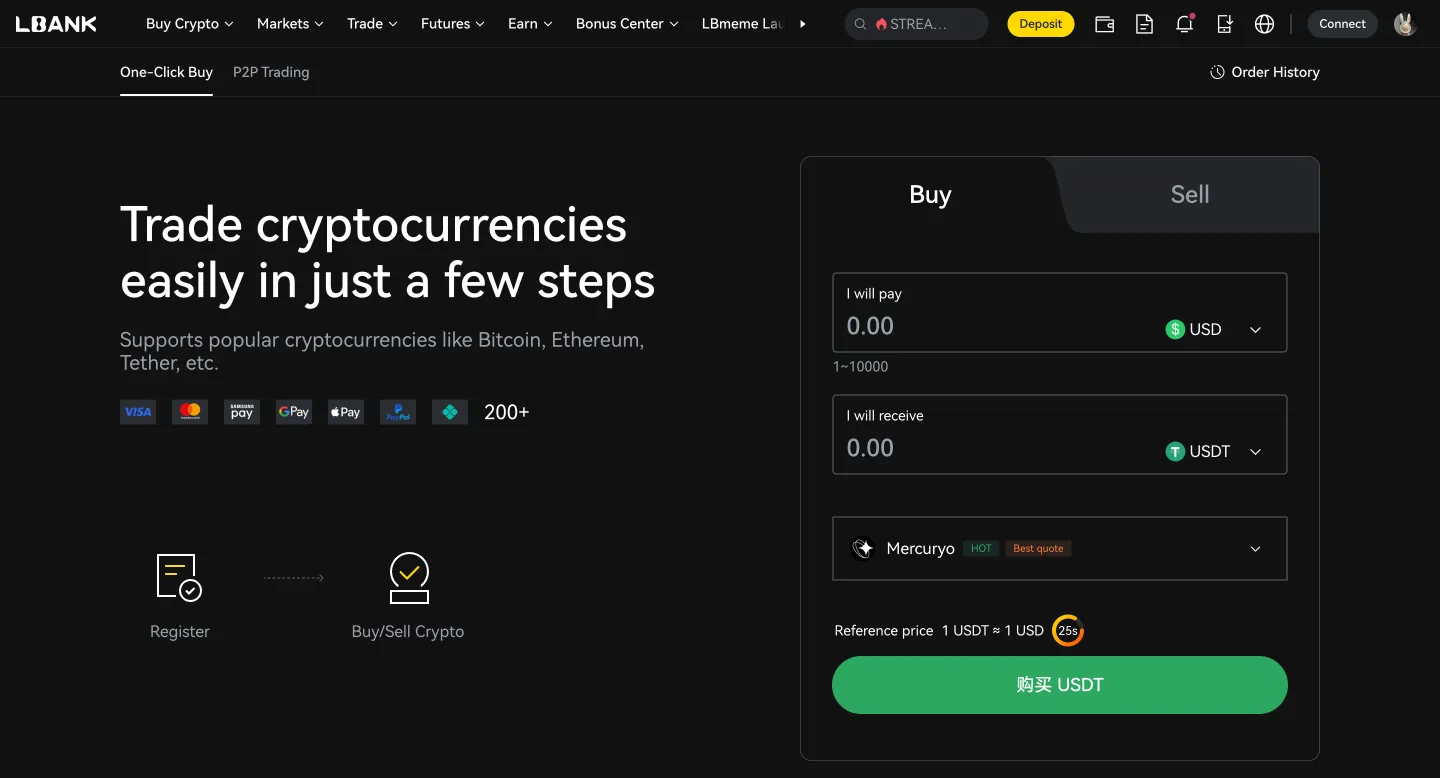
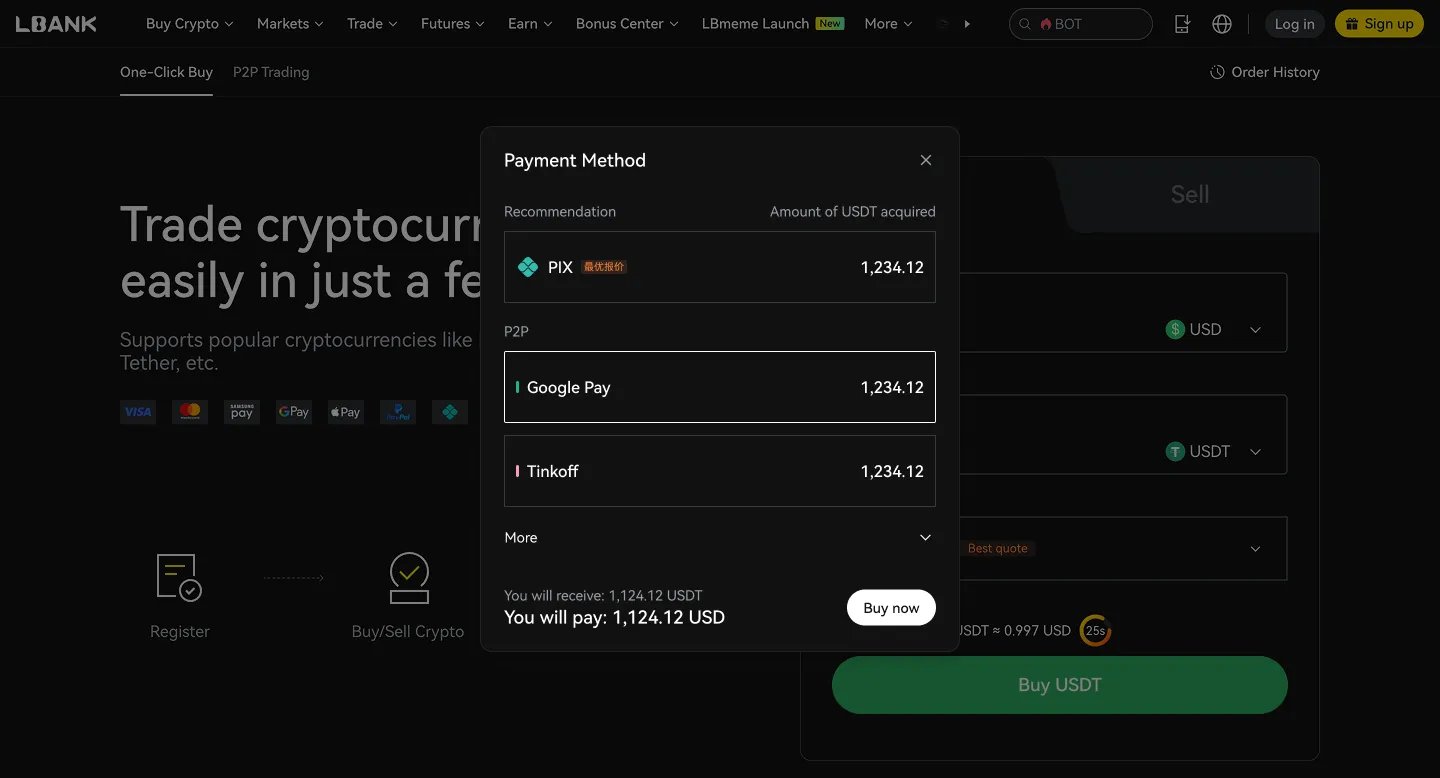
(d). Choose your payment method
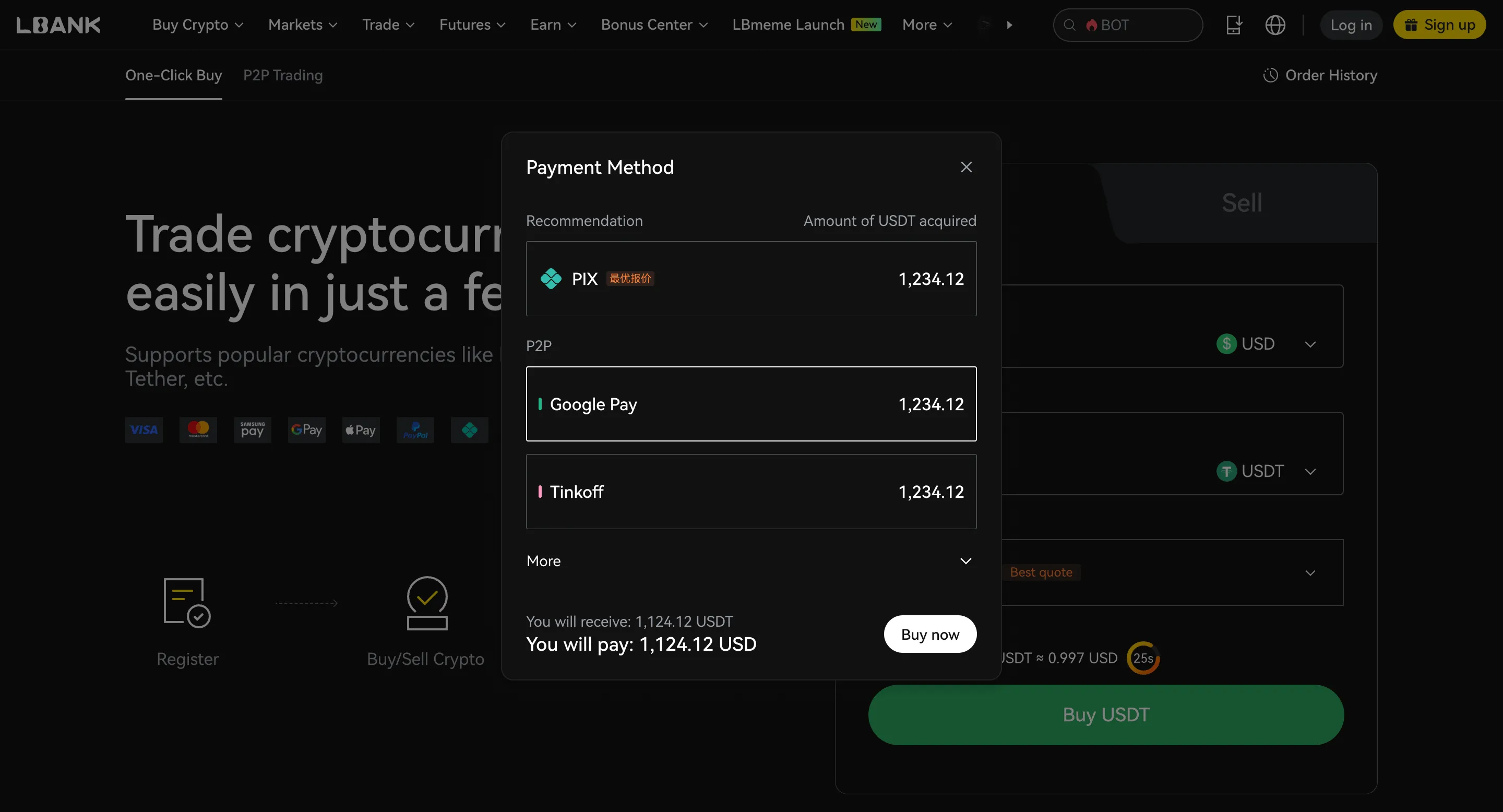
(e). Click “Confirm” or “Buy now”
Merchant | Price | Amount | Limit | Payment Method | Action |
|---|---|---|---|---|
YY YYDS_Trader 721 min | 100% | 0.932 USD | 7843.29 USDT 500.000 - 7309.946USD | Bank Transfer | |
SS Sswap 806 min | 100% | 1.014 USD | 288.27 USDT 55.000 - 292.305USD | Bank Transfer (Cambodia) ABA (Cambodia) Wing Money | |
CH ChaudharyPlatform 864 min | 100% | 1.02 USD | 2500.7060 USDT 50.00 - 2550.72USD | Payoneer |
Whether AST SpaceMobile Tokenized Stock (Reality) (RASTS) is a good investment depends on your personal financial situation and risk tolerance. Cryptocurrency investments are speculative and can be highly volatile.


Compare fees, transaction limits, and estimated processing times across different payment methods. Actual fees and availability may vary by region, fiat currency, payment method, and third-party providers. Please refer to the order page for final details.




After buying RASTS, you can choose a storage method based on your usage frequency, holding period, and security needs. If you need to trade at any time, you can store it in your LBank account. If you prioritize self-custody or long-term security, consider using a personal wallet or a hardware wallet.